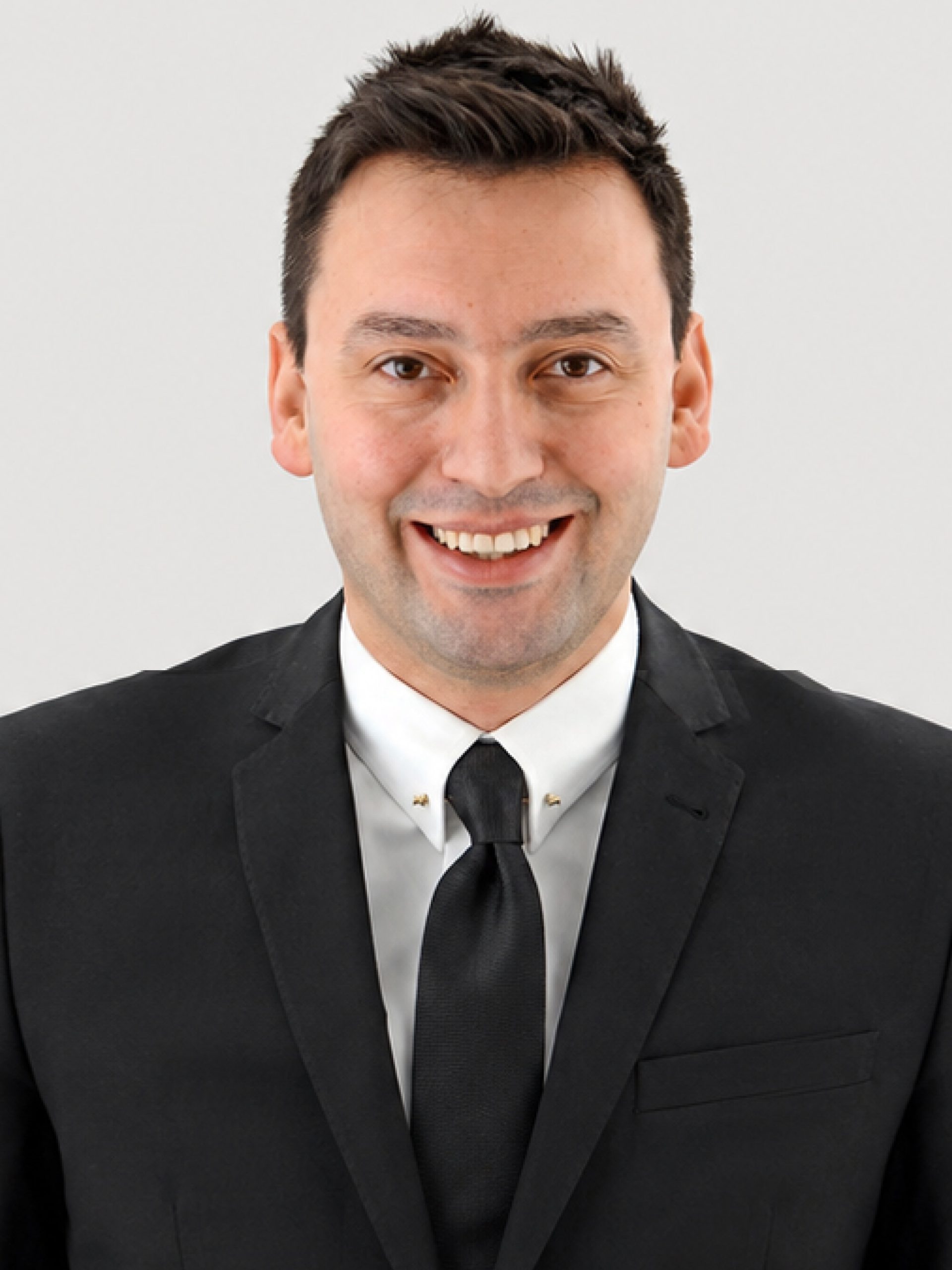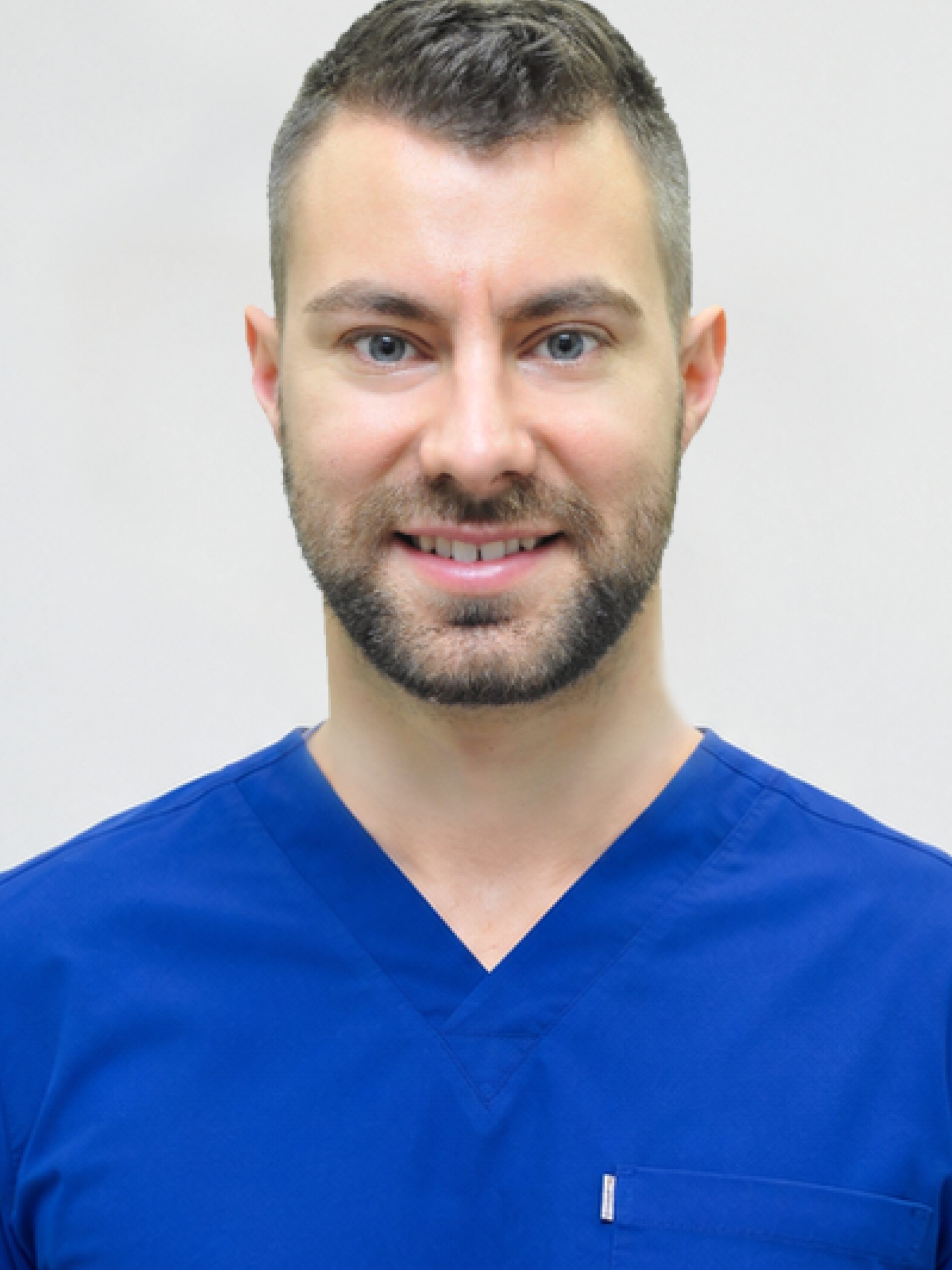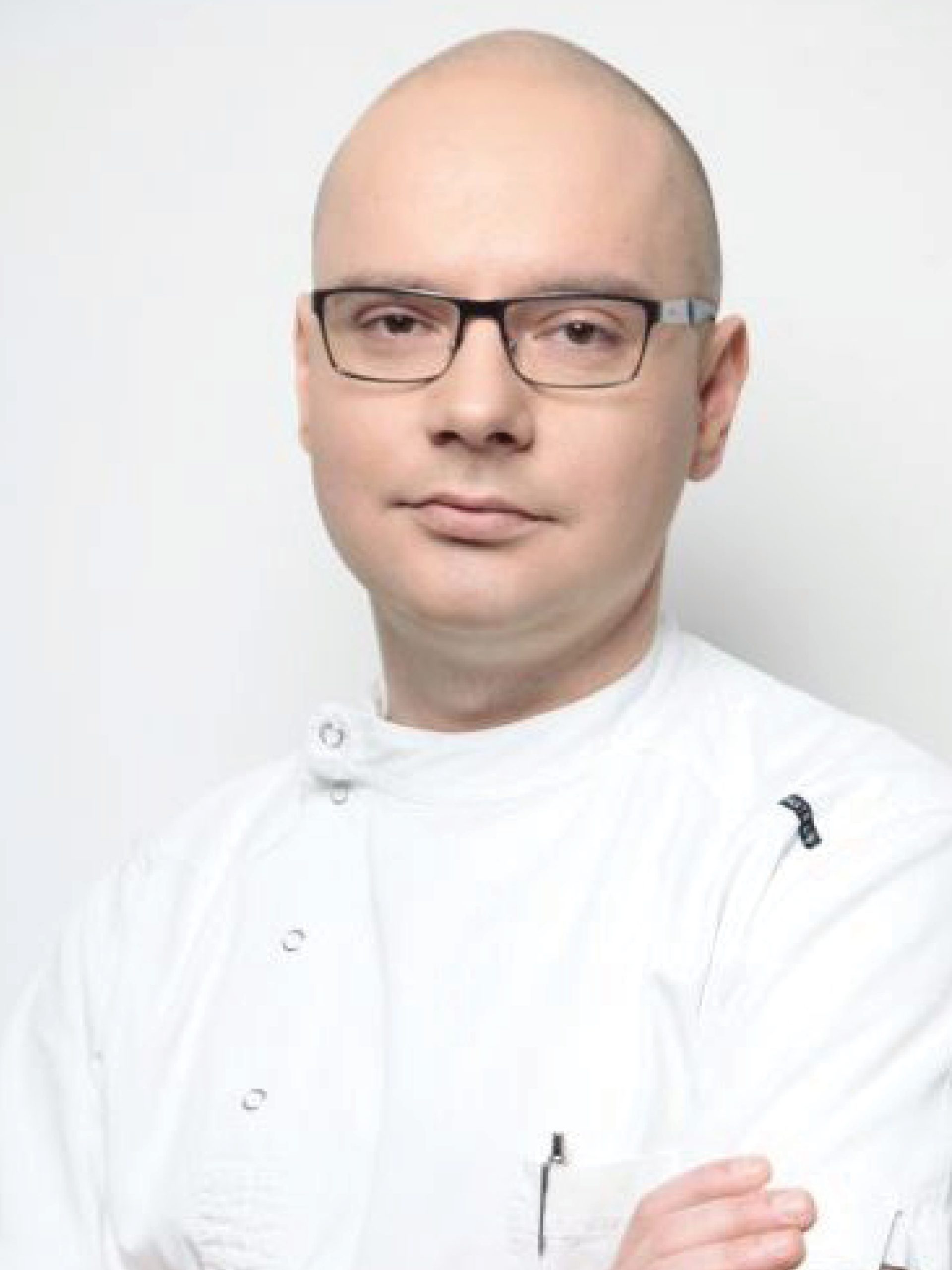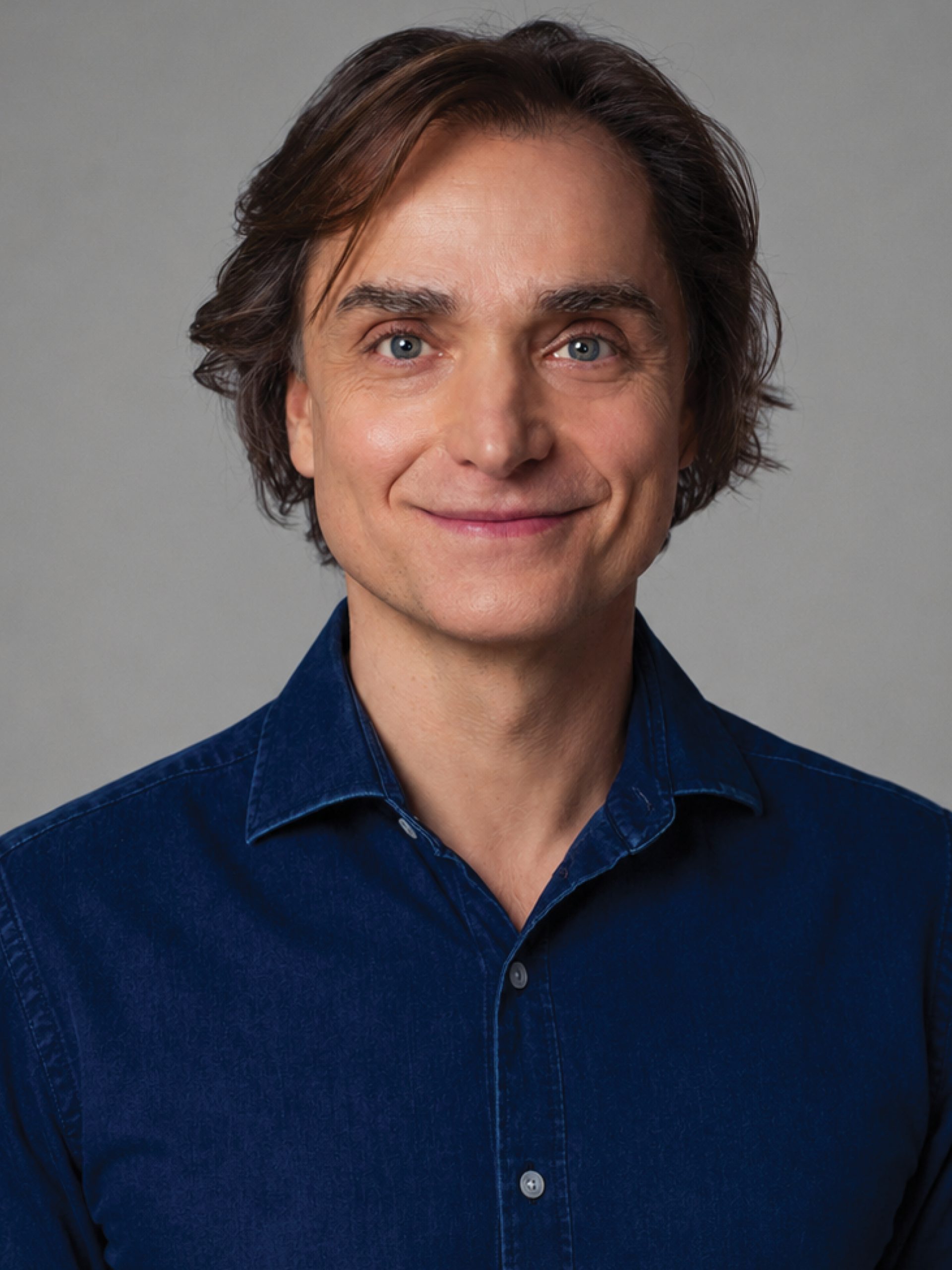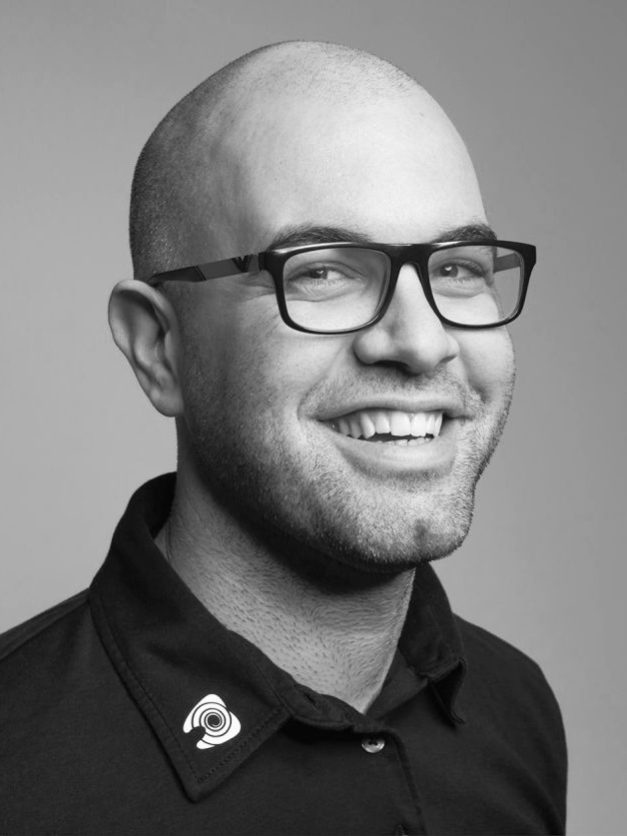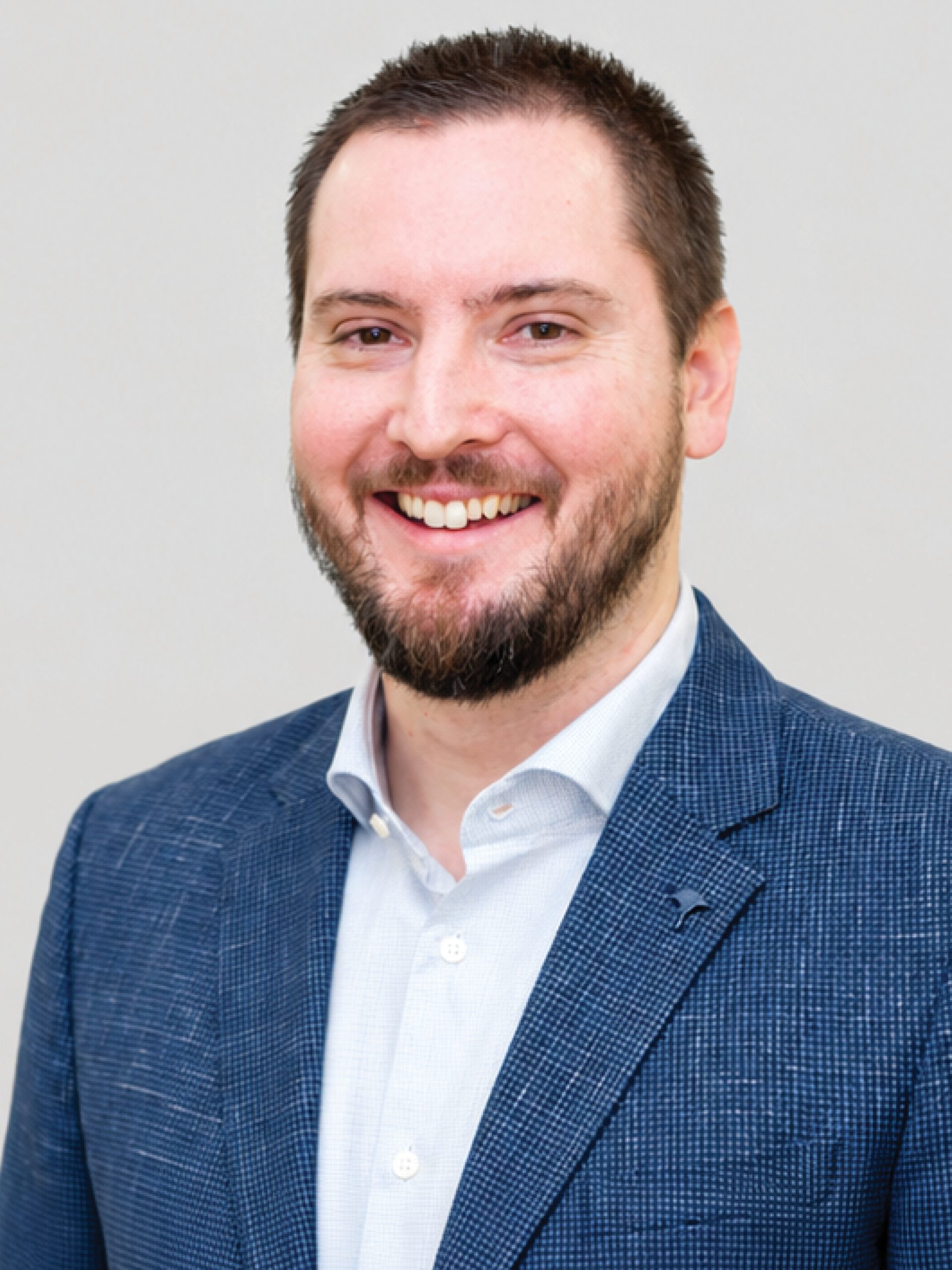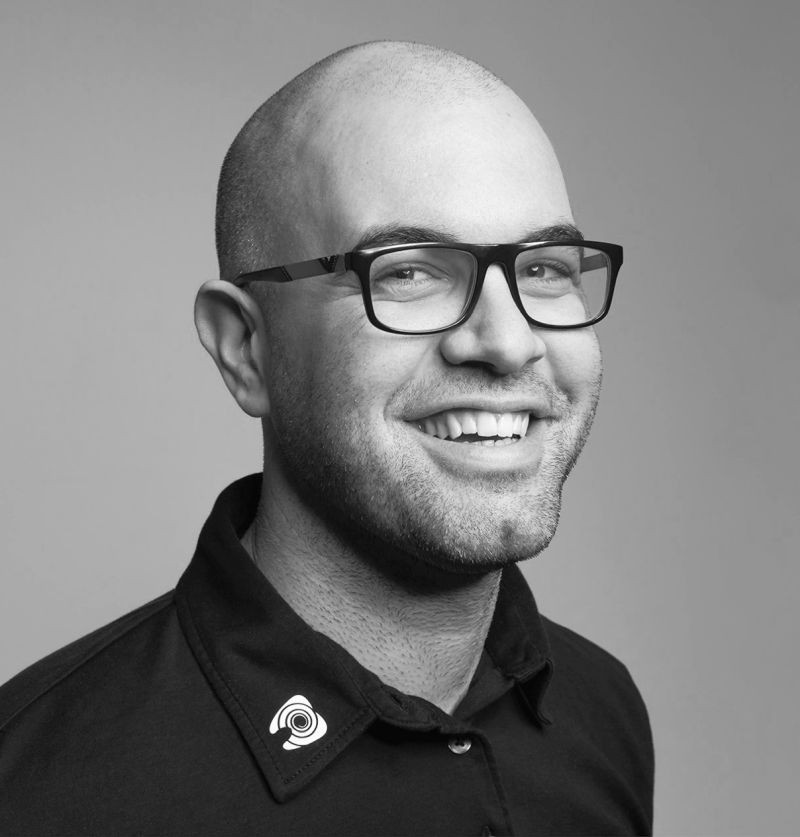
Matej Vidić, dent.teh.
About
After graduating from the Dental Technology High School in Rijeka in 2009, he joined the Križman Dental Laboratory, where he completed his internship. He then gained extensive experience at the Jurković Dental Laboratory, working across all areas of dental technology with a particular focus on laboratory digitalization.
Throughout more than ten years of professional practice, he attended numerous national and international courses, congresses, and educational programs. In 2019, he became a Kulzer Ceramics Demonstrator. That same year, he established his own dental laboratory, specializing in fixed prosthodontics and implantology.
Following a series of successful lectures, he obtained the EXOCAD Level 3 Certified Trainer qualification in 2020, the highest level of Exocad trainer certification. Since then, he has continued to deliver lectures and hands-on courses covering all aspects of the EXOCAD digital workflow.
Lecture
Digital Workflow in Implant-Prosthetic Rehabilitation of the Edentulous Patient
- Facially Driven Design and Prosthetically Driven Implantology
- Alignment of CBCT data and mesh models, or the Dual Scan Protocol
- CBCT segmentation and its clinical application
- Preoperative guided tooth setup
- Prosthetic planning for FP-1 or FP-3 restorations
- Design of guided implant surgical templates
- Prefabricated provisional restorations for chairside adaptation
- Use of fiducial screws for precise postoperative matching
- Photogrammetric impression and laboratory data merging
- Modification of the tooth setup to fabricate a provisional restoration within one hour
- Use of 3D printers and modern resins for efficient production
- Direct connection to MUA (Multi-Unit Abutments) with proper selection of materials and prosthetic screws
- Same-day fabrication of a mock-up/prototype for future application
- Fabrication of the definitive prosthesis with an iBar framework
- Fabrication of the definitive prosthesis using a Procera framework
- Exocad vs. Blender for Dental – how to combine both software platforms to achieve optimal results
- Practical tips and tricks for every step of the workflow in Exocad and Exoplan